How to Lock Your Phone Screen While Watching YouTube
Whether you're handing an iPad to a toddler, listening to a podcast with your phone in your pocket, or trying to secure your viewing history, accidental touches and privacy leaks are frustrating. Here is exactly how to solve them.
To lock your screen while watching YouTube: On iPhone or iPad, use the built-in Guided Access feature (Settings > Accessibility > Guided Access) and triple-click the side button to lock the screen. On Android, use App Pinning (Settings > Security) combined with a third-party touch-blocker app. To lock the YouTube app itself from snoops, use a dedicated vault like Folder Lock.
Why "How to Lock Screen on YouTube App" Matters More Than Ever in 2026
Millions of users search for ways to apply a youtube screen lock feature daily. The intent usually falls into one of two camps: parents tired of their kids accidentally exiting videos, and privacy-conscious users trying to lock youtube on phone to prevent friends or data brokers from snooping their watch history.
Unlike Netflix or VLC, the official YouTube app does not have a native, built-in button to lock the touchscreen during video playback. However, you can achieve a complete screen lock for youtube app using built-in operating system tools, or secure the app itself using third-party software.
Find Your Lock Method
What are you trying to accomplish?
How to Lock Your Screen While Watching YouTube (OS Methods)
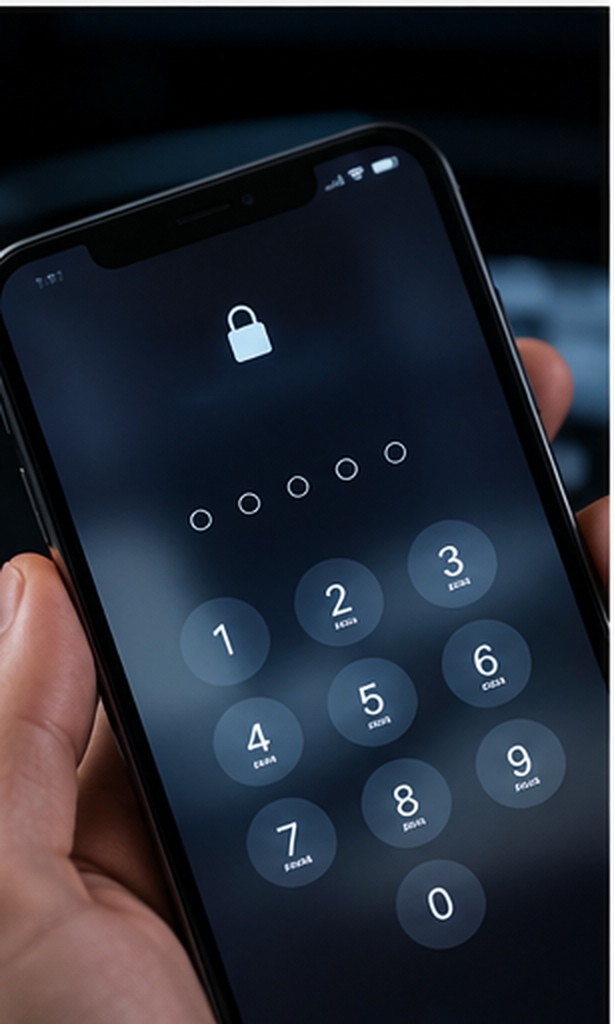
These methods use built-in tools to disable the touchscreen, preventing accidental taps. They are perfect for the lock youtube screen for baby use case.
Method 1: Lock YouTube on iPhone for Kids (Guided Access)
Apple's iOS has the best built-in solution for a youtube screen lock iphone. It's called Guided Access.
- Open Settings > Accessibility > Guided Access.
- Toggle it ON and set a passcode.
- Open the YouTube app and start your video.
- Triple-click the side button (or Home button on older iPhones).
- In the bottom left, tap Options and toggle Touch OFF.
- Tap Start. The screen is now completely unresponsive to touches.
Method 2: How to Lock YouTube on Android
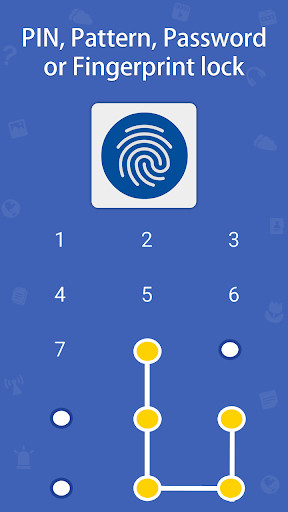
Android does not have a built-in "disable touch" feature like iOS. Instead, it has App Pinning, which prevents the user from leaving the YouTube app, but doesn't stop them from pausing the video.
- Go to Settings > Security > Advanced > App Pinning and turn it on.
- Open YouTube and swipe up to view recent apps.
- Tap the YouTube icon at the top and select Pin.
Pro Tip: If you truly need to disable touch on Android (for a toddler), you will need a third-party app like "Touch Lock" from the Google Play Store.
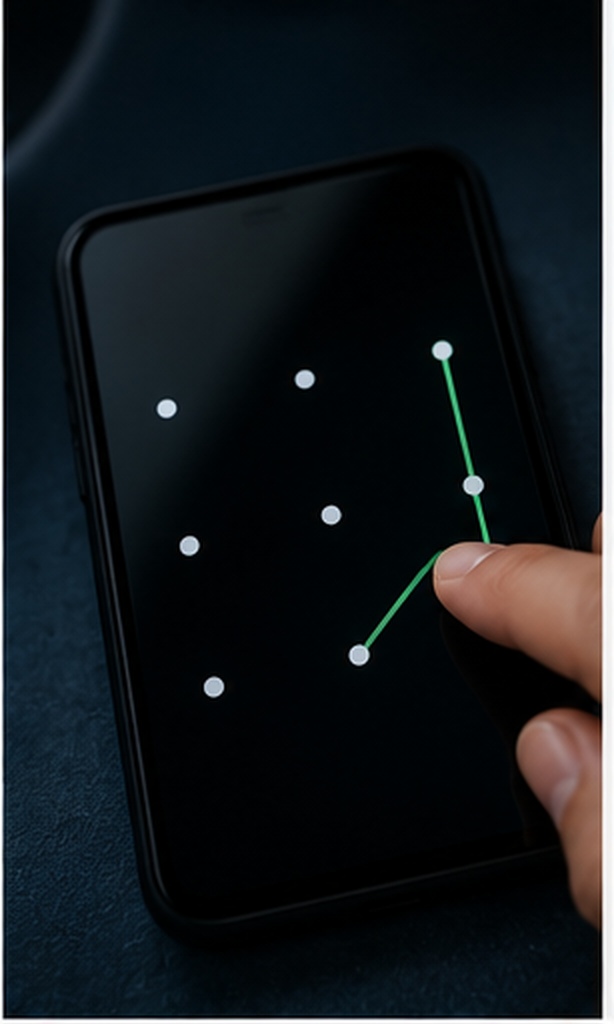
How to Lock Screen on Ipad While Watching YouTube
The process for an iPad is identical to the iPhone. Because iPads are the most common device handed to children, setting up Guided Access is essential. You can even circle specific parts of the iPad screen (like the pause button or the timeline) to disable touch only in those areas, allowing the rest of the video to be tapped without consequence.

Raw Desktop Queries Answered
How to Lock Screen While Watching YouTube on Laptop
If you are watching YouTube on a Windows laptop and want to lock the screen without stopping the video (often requested by people listening to music at work), simply press Windows Key + L. The screen will lock, requiring a password to re-enter, but audio playback will continue in the background.
How to Lock Screen on Macbook While Watching YouTube
On a Mac, you can press Control + Command + Q to lock the screen. If you are using Safari or Chrome and playing audio, the music will continue to play while the screen is locked, protecting your desktop privacy without interrupting your listening.
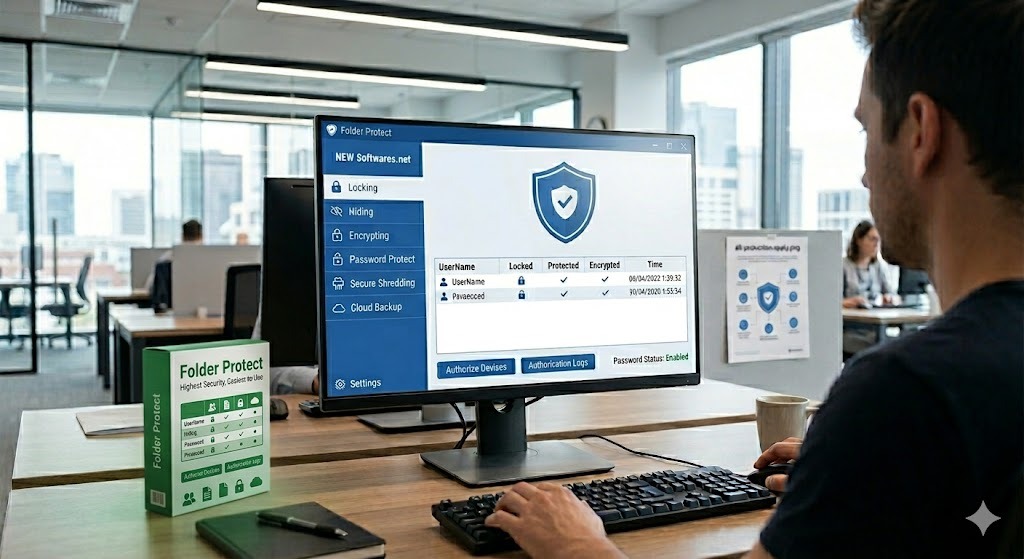

Go Beyond Screen Locking: Protect the App Itself
Guided Access stops a toddler from pausing a video. But what stops a snooping roommate, a data broker app, or a borrowed device from exposing your offline video downloads, search history, and private files? By utilizing military-grade AES 256-bit encryption protocols, you can establish an impenetrable digital vault. Whether you are using Windows, macOS (13 or newer), iOS, or Android, you can securely synchronize your viewing habits and protected files across all your hardware endpoints.
Folder Lock is developed by NewSoftwares.net. Available for PC, Android, and iOS.
Set a Password for the YouTube App: Features & Comparison
If your goal is an iphone lock screen that hides your YouTube activity, or a folder lock app for pc to hide downloaded video files, standard OS features aren't enough. Here is how a dedicated locker changes the game.
1. Device-Level Security vs App-Level Security
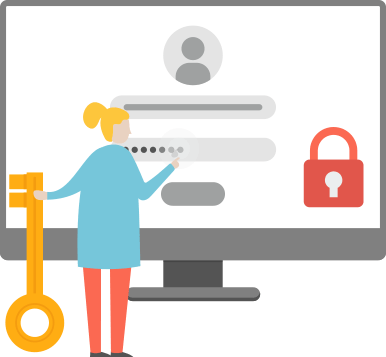
A screen lock protects the phone. An app lock (like Folder Lock Android) requires a PIN, Pattern, or Fingerprint just to open YouTube.
2. Securing Offline Media
Downloaded YouTube videos are often cached in visible folders. A secure vault encrypts these files locally so they cannot be accessed via standard file managers.
3. Data Privacy Fencing
Running apps within a secure sandbox prevents other apps from scraping your usage data.
4. Private Streaming via Secure Browser
Instead of relying on the native YouTube app, power users can stream directly through an integrated, heavily encrypted browser. Once you close the session, your viewing history is completely eradicated, leaving zero digital footprints.
5. Intruder Tracking & Hack Monitoring
If your device is stolen or someone attempts to guess your application PIN, advanced security software will silently log the unauthorized access attempts, actively monitoring who is trying to breach your media library.
Method Comparison: What Locks What?
| Method / Software | Stops Touches | Needs Password to Open App | Hides Downloaded Files | Best For |
|---|---|---|---|---|
| iOS Guided Access | Yes | No | No | Handing phone to a toddler |
| Android App Pinning | No (just exits) | No | No | Basic multi-tasking blocks |
| YouTube Kids App | No | No (content filter only) | No | Child-safe content |
| Folder Lock (App/PC) | No | Yes | Yes | Total privacy & data security |
Free Tier vs. Premium Investments
Understanding your capacity requirements is vital before adopting a privacy vault. You can begin with a complimentary configuration that typically grants a 1GB encrypted storage capacity and limits synchronization to two devices—perfect for casually protecting a handful of offline video downloads.
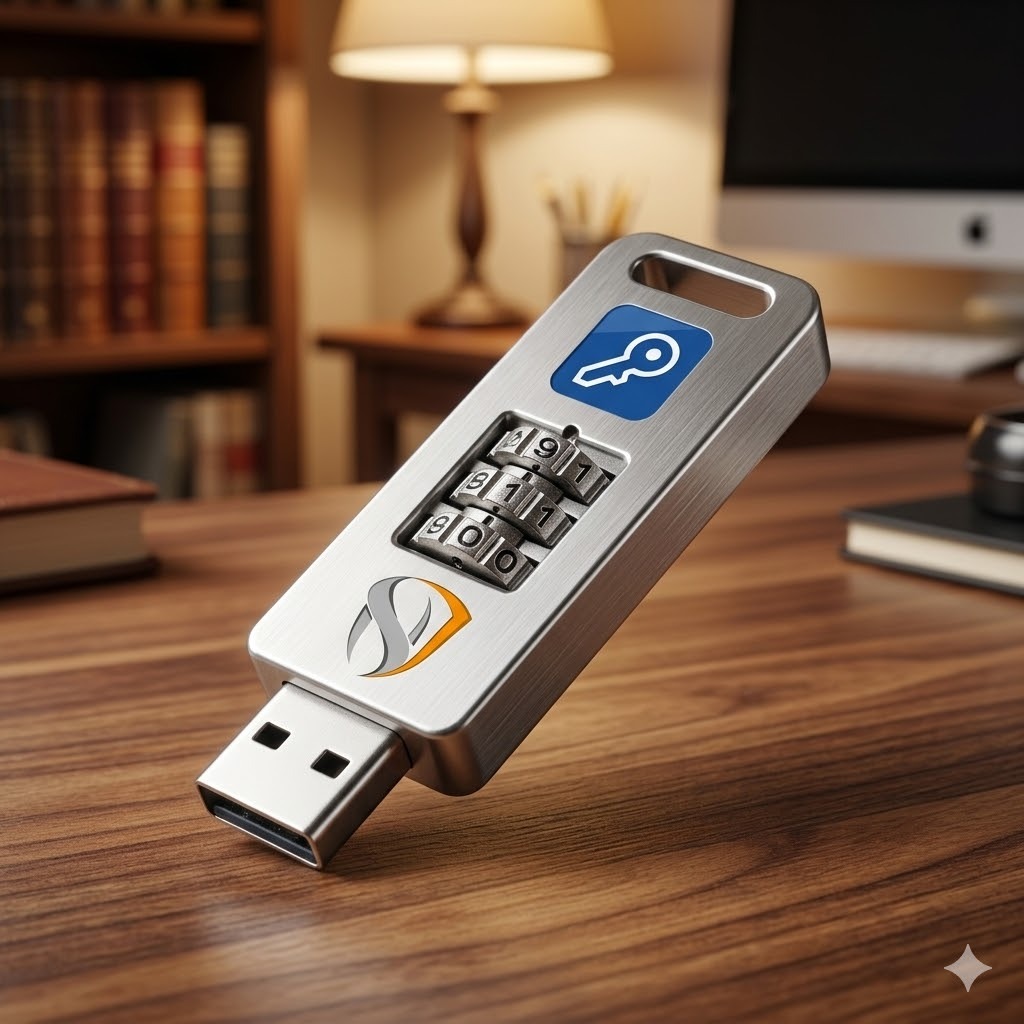
For individuals heavily invested in data security, upgrading to the professional tier (generally a one-time investment of roughly $39.95) unlocks limitless capacity. This premium environment empowers you to synchronize across up to five distinct devices, completely shred sensitive historical data, and deploy portable encryption lockers straight to external USB drives, guaranteeing your offline media remains protected even if the physical drive is lost or stolen.
The Broader Picture: Data Privacy While Streaming
Locking your screen physically is only half the battle. Data privacy vs Data security is a critical distinction. Security is the lock on your door (passwords, screen locks). Privacy is the blinds on your windows (preventing data collection).
How Data Brokers Collect and Monetize Personal Data
When you use unsecured apps, your viewing habits, location, and interaction data are compiled. Data brokers scrape this to build profiles. By using privacy-focused browsers or securing your app environment in a vault, you limit the metadata these trackers can access.

GDPR and CCPA Rights Explained Simply
Under the GDPR (Europe) and CCPA (California), you have the right to request that companies delete your data. This is why understanding how to audit your how to lock screen on youtube app setup is vital—it's not just about screen touches, it's about restricting data flow.
Personal Data Risk Score Calculator
Answer honestly to see your streaming privacy risk level.
High vulnerability. You are relying solely on standard device locks.
Troubleshooting Guide: Common Myths & Errors Debunked
Triple Click Not Working for Guided Access
Fix: Go to Settings > Accessibility > Accessibility Shortcut and ensure Guided Access is checked. If it still fails, your side button may be physically damaged; use AssistiveTouch as a workaround.
How to Remove USB Block From PC
If you are trying to transfer locked YouTube videos to a secure USB drive but it's blocked: This usually happens on work computers. How to enable usb blocked by group policy windows 10 requires Administrator rights. You must open gpedit.msc, navigate to Administrative Templates > System > Removable Storage Access, and set restrictions to "Not Configured". (If you used NewSoftwares USB Block, simply enter your master password to pause protection).
Forgot Your YouTube App Lock Password?
If you used a third-party app locker and forgot the PIN: DO NOT attempt to "crack" it. Legitimate software like Folder Lock provides an owner-safe recovery method. Check your registered email for the master key, or use your secondary fingerprint authentication to bypass the PIN.
Frequently Asked Questions
Screen & Device Locks
How to lock YouTube on iPhone so kids can't exit?
Use iOS Guided Access. Triple-click the side button while YouTube is open, draw circles around areas you want to disable (like the pause button), and tap Start. They cannot exit without your passcode.
Can I use secure folder without screen lock?
No. Both Samsung Secure Folder and third-party apps like Folder Lock require you to have a base device screen lock (PIN/Biometric) enabled before they will function, ensuring double-layer security.
How to lock a video on youtube?
You cannot lock a specific public video. However, you can change a video you uploaded to "Private" or "Unlisted" in YouTube Studio. To lock downloaded videos on your device, use a file encryption app.
How to set YouTube to lock after inactivity?
YouTube has a "Remind me to take a break" feature in Settings > General. While it pauses the video, it doesn't lock the screen. Rely on your OS auto-lock settings (e.g., lock after 2 minutes of inactivity) for real security.
Our Verdict
For preventing accidental touches during playback, built-in tools like Guided Access are excellent. But if your goal is online privacy protection—keeping your data, app access, and offline files safe from snoops and brokers—you must upgrade your digital security guide.
We recommend combining OS tools with dedicated encryption software to build a comprehensive personal data security plan.